
Name-Based Case Searches
The county's own Ellis County Online Record Search page is the safest place to start. It links the LGS index behind county court and property records. Index searching is free, per the county instructions. Guests can inspect index data and preview images. An account tied to a valid email opens broader image access and purchases.
Enter just enough personal data to separate likely matches. Common names return many rows. Before calling a result the right Ellis County case, match the court, case type, filing date, and cause number. A name hit is an index lead only. It is not proof of any outcome.
- Open the county search page and follow its current court-record link.
- Choose guest access for an index search, or register if document images are needed.
- Enter the narrowest supported name and add a court, type, or date filter when offered.
- Open the likely result and record its court, cause number, status, and filing date.
- Confirm a material fact with the District Clerk, County Clerk, or assigned court.
| Search clue | Use | Caution |
|---|---|---|
| Party name | Find a case when the number is unknown | Spelling and common names can create false matches |
| Court or case type | Separate district, county, probate, or other records | The issuing tribunal still controls custody |
| Date range | Narrow results around an expected filing | A filing date differs from a hearing date |
| Cause number | Locate one known matter | Keep letters and leading zeroes exactly |
Ellis County Docket Search Access Layers
Ellis County sends docket hunters to one vendor. That one vendor handles both the index and the case files. The LGS Online Record Search splits the trip into two steps. Search first, pay for paper second. The index is free to browse. So are guest previews of document images, and an account unlocks more. Official instructions describe registration and image purchasing for criminal, civil, probate, and property court cases. In each category, a user may view five images before a subscription boundary kicks in. A preview, though, is just a peek at a court record, not a certified copy.
The county's official entry point for this docket search lives on the vendor's site. The LGS portal shows the search landing page the clerk points visitors to.
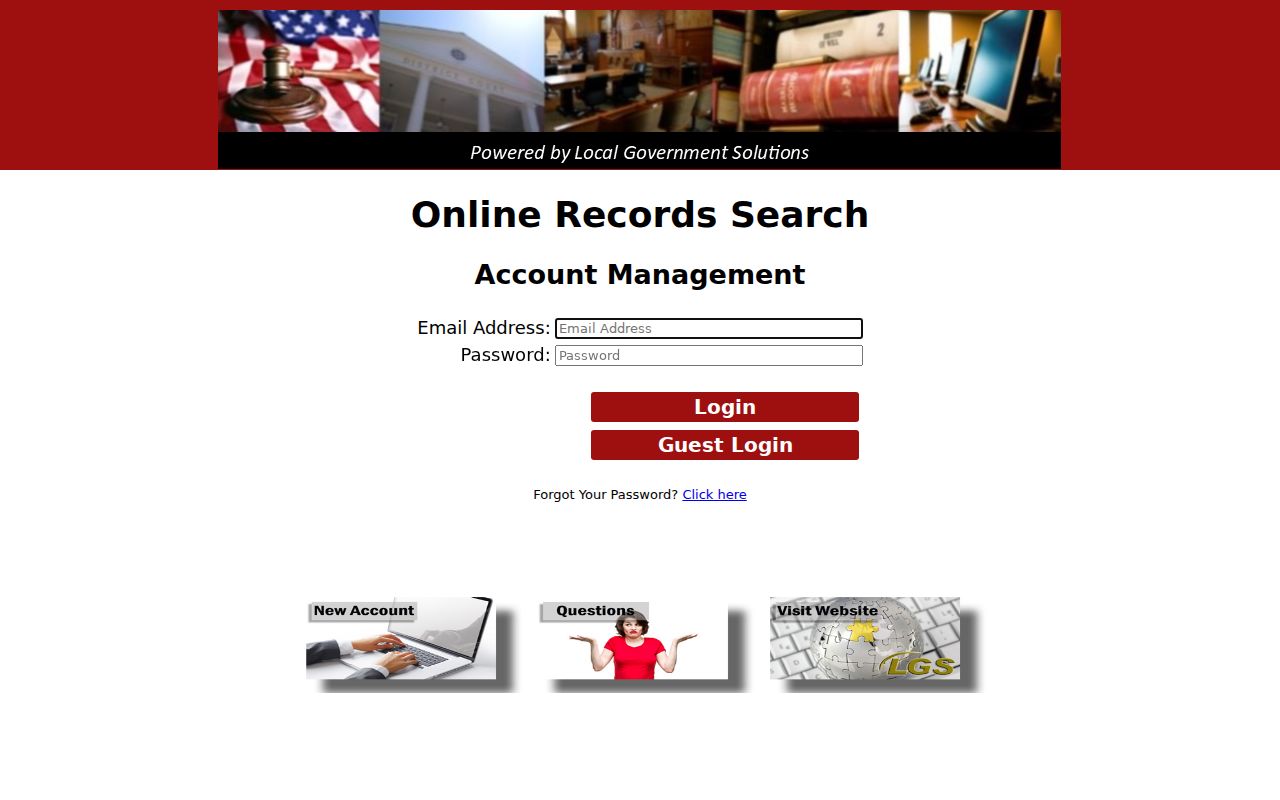
That official page helps you pick the proper portal. Missing images, certification, and file completeness belong with the County Clerk or District Clerk. Write down your search date too. Portal content and controls change over time.
Case Number Searches
A cause number is the strongest search key. Copy it straight from a citation, pleading, notice, or clerk receipt. Keep every letter and digit intact. The 378th District Court calendar carries a special local instruction. Search the five-digit cause number ending in D, with spaces, dashes, and commas removed. The county guide also warns about timing. A new family case may take three business days to show on that calendar.
That five-digit rule is specific to the 378th calendar. Do not force it onto LGS, re:SearchTX, a municipal citation portal, or any other Ellis County court. If the number fails, check which court the document names. It may be a district court, County Court at Law, justice precinct, or city court. Then call the right clerk instead of stripping characters at random.
Ellis County Docket Search Custodians
The word "county" does not point to one keeper of all Ellis County cases. The District Clerk holds district-court acts, judgments, executions, returns, and indexes. Contact that office first for district civil, family, and felony files. The County Clerk routes county-court, probate, guardianship, and related matters. A city citation belongs with the issuing municipal court. JP traffic and small claims stay with the proper precinct.
When online search fails, reach the custodian by phone, email, mail, or in person. The District Clerk sits at 972-825-5091 and district.clerk@elliscountytx.gov. Its counter is on the second floor at 109 S Jackson Street, Waxahachie. The County Clerk shares that street address, lists P.O. Box 250, and answers at 972-825-5070. Ask for a docket sheet or a named filing, order, or judgment. Avoid asking for "everything."
Ellis County Docket Search Credentials
re:SearchTX registration runs on eFileTexas credentials. Search choices include Cases, Filings, Text in Documents, and Hearings. Advanced filters and saved searches come too. An account does not guarantee that an Ellis County court or case type participates. Document charges can apply.
Treat the statewide layer as a tool for eligible noncriminal material. Verify coverage and the filing with the local clerk afterward. Criminal records are excluded. A failed criminal search should route to the proper Ellis County custodian.
Case Search Results Explained
An online result usually gives enough data to identify and route a case, though it may not include the filed document. A docket entry describes an event or filing. A calendar entry describes a planned setting. A signed order or judgment carries stronger evidence of the court's action. Read each as a different record.
| Cause number | The court's identifier; preserve its original punctuation and letters unless the portal directs otherwise. |
|---|---|
| Style or parties | The caption used to name the matter, subject to redaction and access limits. |
| Court and type | The tribunal and broad category that determine the right custodian. |
| Filed date | When the clerk accepted the case or document, not the next hearing. |
| Docket event | A filing, notice, setting, service return, order, or other procedural entry. |
| Status | An index label that must be checked against the latest docket and signed orders. |
Never infer a filing's legal effect from a portal title alone. Open the document when public, or request it from the clerk.
Ellis County Docket Search Calendar Check
Ellis County publishes some settings on its public calendar. You pick start and end dates, type a search term, choose a calendar, turn on past events, and switch between list, week, and month views. Handy as it is, it stops short of a full Ellis County court docket. Plenty of settings never appear there at all.
Treat any calendar hit as a starting point. Check the court, the time, the setting type, and the notes, since a reset or a cancellation can bump an earlier event. For hearing logistics, call the court coordinator. For filed court records, the clerk is the right office. That split matters when the docket shows one date and an old notice shows another.
Case Search Results in Ellis County
What a search returns varies. Some Ellis County results are a bare index row. Others open into a detail screen with filing and hearing links, and county LGS images, county calendar entries, and statewide results do not match that depth. Before you leave the screen, write down the court name, the result identifier, and your search date. When no public image appears, ask the office that holds the filing for the exact document.
A deeper file request takes more care. The docket sheet is one thing; pleadings, orders, exhibits, transcripts, and certified copies are others. Full request paths and copy options live with Ellis County court case records.
Ellis County Docket Search Number Formats
Cause numbers do not follow one mold across Ellis County courts. The 378th guide describes a five-digit family number ending in D. Type it with no spaces, dashes, or commas. Yet a calendar sample displayed a different six-digit-style field. Forcing one format on every case leads to dead ends.
Copy the identifier straight from the newest court paper you have. If a portal rejects it, confirm you have the right court. Ask the clerk whether punctuation, a suffix, or another field is required. Never guess at a year or a case prefix.
Two Ways to Search: County and State
re:SearchTX sits on top of county tools as a statewide option. It serves participating courts and eligible material. It runs Cases, Filings, Text in Documents, and Hearings searches. Advanced filters plus Save Search and Export controls come with it. Signing in takes eFileTexas credentials. Coverage is uneven: statewide document access varies, the Judicial Council report says criminal records stay out of statewide integration, and document fees can apply.
The official Texas court records search page displays the service's entry point and sign-in details.
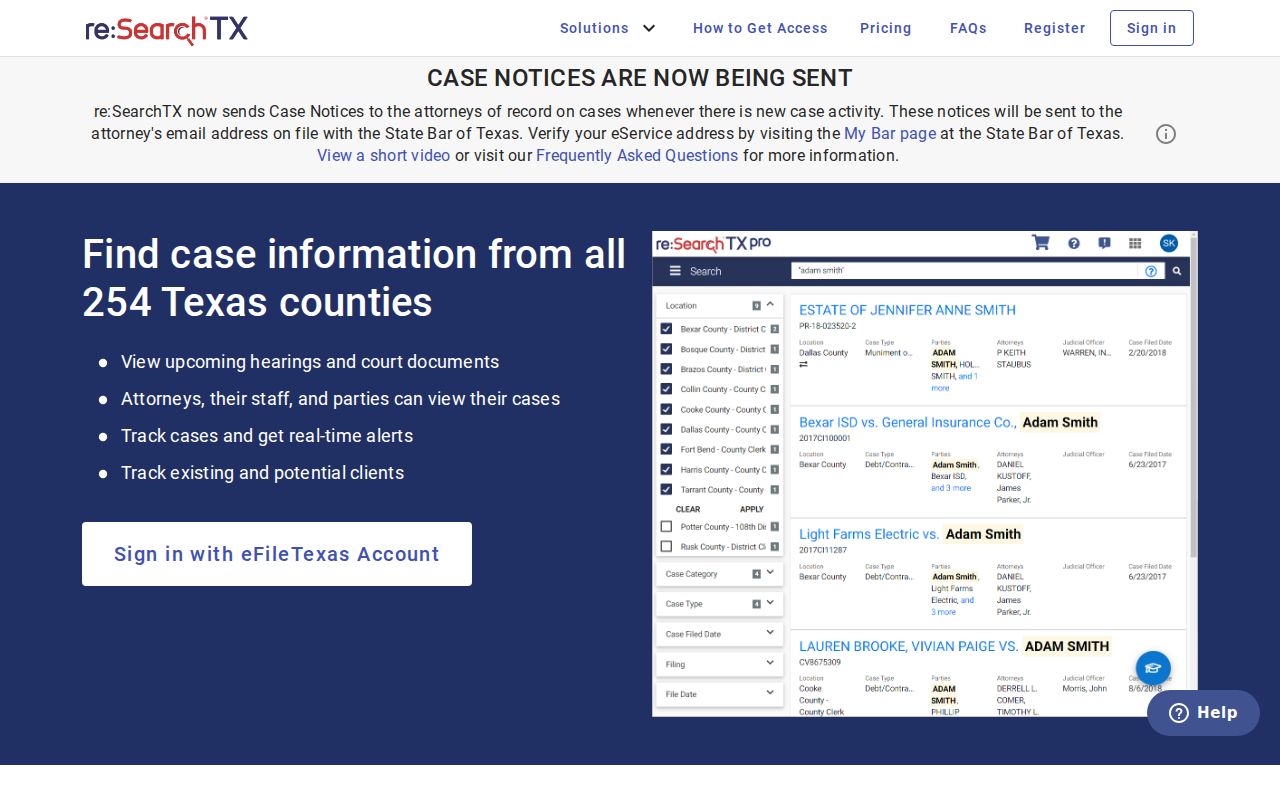
That sign-in layer explains why a county docket search and a statewide one can return different levels of detail. Neither one replaces verification with the clerk.
| Route | Best use | Limits |
|---|---|---|
| Ellis County LGS | County-court index and available images | Guest previews and image access have account boundaries |
| Ellis County calendar | Selected local settings and docket events | Not an all-court case index |
| re:SearchTX | Participating civil case, filing, text, or hearing search | Account, coverage, criminal exclusion, and fee limits |
| Clerk request | Missing, complete, or certified record | Correct custodian and copy fees are required |
Ellis County Docket Search Posting Delays
A blank result can mean several things. You may have searched the wrong court. A new 378th family matter can still sit inside its stated three-business-day posting period. A city citation might exist only in a municipal system. Or the case could be restricted, sealed, or indexed under a different style. That style may not match the one you typed.
What to do: Check the issuing document, preserve the cause number, search the matching court, then ask the clerk whether the case is indexed and public.
Never read "no results" as proof that no case exists. It is one search outcome, from one source, at one moment.
Which Cases Stay Restricted
Texas draws firm lines around public access. Family Code Chapter 58 governs juvenile material. Family, CPS, guardianship, mental-health, and protective cases may hold sealed, confidential, or redacted material. Texas Rule of Civil Procedure 21c protects sensitive data. Rule 76a frames how civil records are sealed.
Expunction and nondisclosure matter too. An expunction is a statutory remedy. Nondiscorder rules aside, nondisclosure limits public criminal-history dissemination under Government Code Chapter 411. An empty search proves neither one. Lawful access to a restricted file runs through the court and its process.
Do not lift names of minors, birth dates, license numbers, account values, protected addresses, or medical details off a search screen. Track the case and its settings with the docket. Then confirm public details with the record holder.
Ellis County Docket Search Notice Index
Texas also runs a separate official channel for citations, notices, and forms. The topics search takes general text, a name, a cause number, court or county, and status filters, and each result names a party, cause number, court or county, status, and action. A suffix wildcard widens a term. Narrow cause and court facts cut down false matches.
Know what this index is. It covers published citations, notices, and forms, but it is not a full Ellis County case docket, and it does not replace city citation portals, the County Clerk index, or the District Clerk file. Use a hit to spot the court and document type. Then confirm the current court record with the office that keeps it.