
Midlothian Court Docket Searches
Read the court name printed on the citation before you search anything. A Midlothian police officer's ticket usually names Midlothian Municipal Court. A county deputy or another agency may file elsewhere. That would be Ellis County Justice of the Peace Precinct 4. The two offices sit one block apart. Their clerks and case systems are entirely separate, though.
- Identify the issuing court and response date.
- Copy the citation characters with exact capitalization.
- Use the city's citation search or driver-license fallback.
- Wait through the stated next-business-day posting period.
- Confirm the result and setting with the proper clerk.
The official citation-options page is the best place to begin a city case lookup. If nothing comes back, work through the prefix rules before assuming no Midlothian record exists.
Midlothian Citation Prefix Rules
The city's local lookup is picky about formatting. A citation that starts with E needs a capital, case-sensitive E, the city says. A second format begins with TX followed by ten letters or numbers. Searching that one requires dropping the first four characters. A driver license plus issuing state offers an alternate route into the docket.
| Printed format | Search treatment | Fallback |
|---|---|---|
| E prefix | Enter uppercase E | Check date of birth |
| TX plus ten characters | Remove first four characters | License and state |
| No unpaid result | Recheck case and timing | Call the clerk |
A typing miss and a genuine no-result look the same on screen. One quick call to the clerk beats repeated guessing every time.
Inside the Midlothian Municipal Court
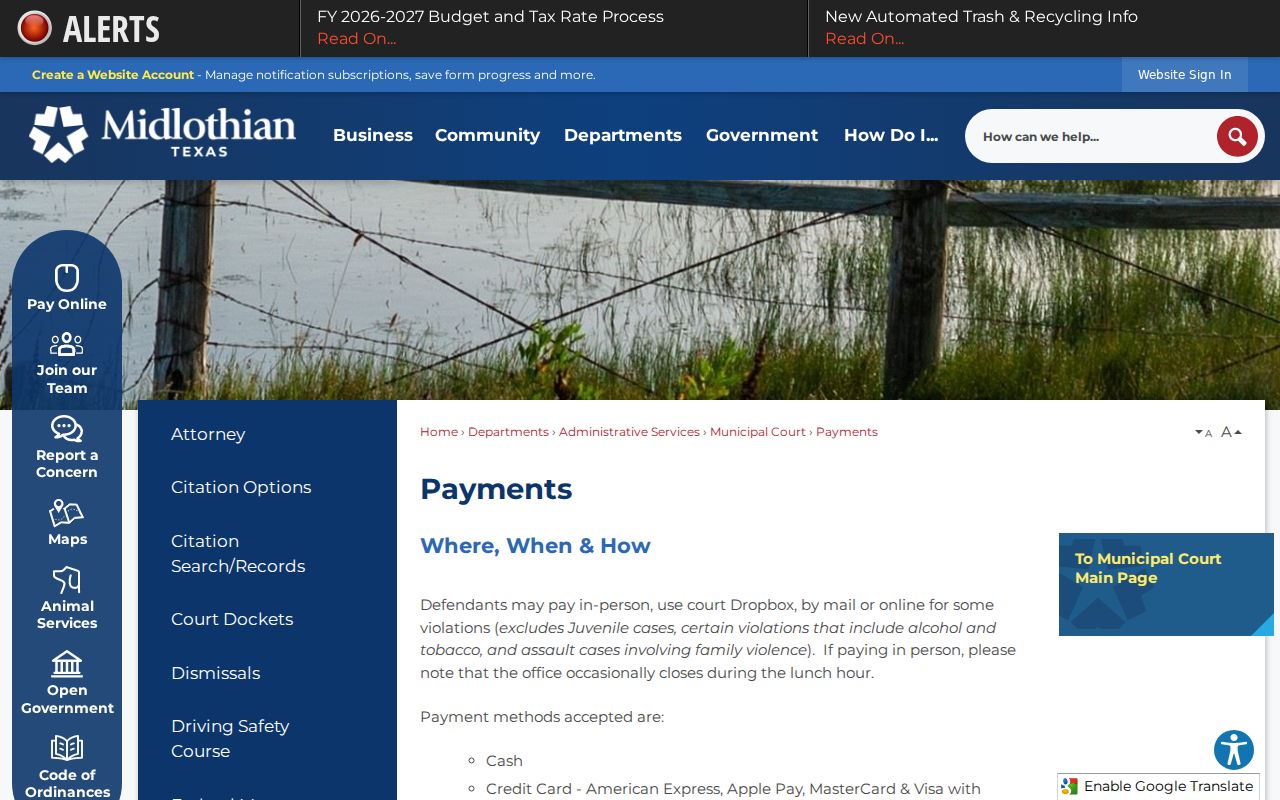
Midlothian Municipal Court sits at 215 N 8th Street, and its published phone is 972-775-3481. The docket covers city traffic, ordinance, and fine-only matters. On the official payment page, the city lists online, mail, in-person, and secure drop-box options. Counter hours run Monday through Friday, 8:00 a.m. to 5:00 p.m. A lunch closure is possible.
Midlothian Municipal Court
215 N 8th Street
Midlothian, Texas
972-775-3481
Leave your phone secured before entering the court building. Bring the citation or case details on paper instead. A phone call can answer a question, but the city is clear that calling is not an appearance.
Midlothian Next-Day Posting
Give a new citation time to post. The city warns that online citation information may not appear until after 2:00 p.m. on the next business day, so an early search can return nothing even when the entry will later show up. Warrant status can also stay active until a payment is received and processed. The Midlothian payment source spells out each accepted payment channel and its conditions.
Submitting something and having the court post it are two different events. Save your receipt, note the submission time, and check the docket again once processing finishes. An online confirmation is not a court order. It does not cancel a setting. The court must say so itself.
Finding Midlothian Court Dates
The date on the citation controls your first response. The city generally requires appearance within 20 business days. A phone call does not count. For later settings, check the docket and confirm with the clerk. A payment, plea, or request can still be pending even after the browser reports success.
| Date | The response or hearing day assigned by court. |
|---|---|
| Time | Docket-call or individual setting time. |
| Location | 215 N 8th Street unless court says otherwise. |
| Status | Pending, reset, disposed, or another official entry. |
| Setting Type | Appearance, pretrial, trial, or compliance matter. |
When a mailed notice and the online portal disagree, call the clerk at 972-775-3481. The newest clerk-confirmed setting is the one to trust.
Midlothian Drop Box and Mail
A secure after-hours drop box sits outside the court entrance. It is convenient. Dropping an item in the slot does not prove the court accepted or posted it by a deadline, though. Ask the clerk whether your exact plea, filing, request, or payment may use the box. Keep a copy with the delivery time noted. Mail payments should use a money order or cashier's check payable to the City. The city says not to mail cash or a personal check. Verify the current total, citation number, payee, and mail eligibility before sending funds. Use tracked delivery when timing matters. A receipt plus a later docket check builds a far clearer Midlothian record than assuming the envelope arrived.
Midlothian Traffic Ticket Lookups
Not every Midlothian matter can be paid online. Juveniles, certain alcohol and tobacco cases, family-violence assault, dismissal fees, defensive driving, and deferred disposition are excluded. Those categories need direct court handling. Paying in full online generally acts as a no-contest response. Skip it if you intend to contest the charge. The city's June 10, 2025 master fee schedule lists municipal security, technology, defensive-driving processing, juvenile case-manager, warrant special-expense, and unpaid-debt items. Fees can change. Review the current posted schedule and ask the clerk for a total before paying. The countywide traffic court records page explains when an Ellis justice court is the right destination instead.
Midlothian Municipal Case Activity
The OCA FY2025 municipal report covers September 1, 2024 through August 31, 2025. Its numbers describe each court's reported workload, not unique residents, guilt, or compliance.
The Midlothian row reports 5,626 starting pending, 1,222 reactivated, and 1,858 inactive. Use those exact labels when reading the report. They support no claims about delay or any individual.
How Midlothian Cases Reach the County
Municipal fine-only cases start with the city. JP4 handles its own traffic, fine-only misdemeanor, small-claims, debt, eviction, and other precinct matters. Class A and B misdemeanors route to county courts at law. Felonies, divorce, juvenile, family, and higher-value civil cases reach the district courts. The county is where the heavier cases live.
Docket flow: Midlothian Municipal Court › Ellis County Courts › District Court
Two courts operate in Midlothian, and mixing them up costs time. A citation from Justice of the Peace Precinct 4 must go through JP4 itself. It cannot run through a city payment portal. The court named on the issuing line tells you where to look first. For cases beyond that precinct, the Ellis County docket search is the route to county-level records. JP4 sits at 1150 N Highway 67, Suite 100. Its official page states it does not accept e-file.
Midlothian Municipal Court Versus JP4
The two offices sit blocks apart, so the details matter. Ellis County Justice of the Peace Precinct 4 is at 301 N 8th Street. Its county page lists Judge James "Butch" Bryant. The phone is 972-825-5310, and hours are 8:00 a.m. to 4:00 p.m. Monday through Friday. That page also notes JP4 does not accept e-file. Midlothian Municipal Court, at 215 N 8th Street, runs on city procedures instead.
| Point | Municipal Court | JP4 |
|---|---|---|
| Address | 215 N 8th | 301 N 8th |
| Phone | 972-775-3481 | 972-825-5310 |
| Typical source | City citation | County or precinct filing |
| E-file | Follow city options | Not accepted |
Offices this close together invite wrong-door trips. Bring the notice, the case number, and the agency name, and staff can point you to the right office fast.
Who Can See Midlothian Court Records
Access comes with limits. Juvenile identity, sealed or expunged material, nondisclosed criminal information, protected addresses, and other sensitive data may be withheld from public Midlothian records. The public's right to look at court information does not extend to exposing private fields that redaction rules shield.
Key rules:
Texas Government Code Chapter 552 governs public information and recognizes a judiciary distinction.
Texas Rule of Judicial Administration 12 covers judicial administrative records rather than every adjudicative file.
Texas Family Code Chapter 58 protects juvenile records.
Each office keeps only its own files. Midlothian city staff, JP4, the County Clerk, and the District Clerk are separate custodians, so ask the one that maintains the record you want.
Midlothian Record Request Channels
City cases can be reached several ways. Options include the online route, the in-person counter, phone, mail, and a secure drop box where allowed. A city clerk can confirm a court setting. The clerk can also explain how to order a plain or certified copy. For JP4, call 972-825-5310, since that court does not accept e-file. County court files run through the County Clerk. District cases belong to the District Clerk. Whatever the channel, give the court name, case or citation number, party name, year, and the exact document you need. Ask about fees and delivery options before you send money. A docket sheet only summarizes entries; the full case file holds the pleadings and orders behind them. Statewide re:SearchTX can help with covered noncriminal searches. It cannot replace the Midlothian or Ellis County clerk that owns the original record.
Midlothian Copy and Status Check
Keep every receipt or filed copy the court hands back. Once processing time has passed, check the docket again. Compare the violation, the setting, the disposition, and the balance line by line. A zero balance alone does not tell you the ending. The case may have closed in payment, dismissal, deferred disposition, or some other court action. When the exact outcome matters, get the clerk entry or the signed order. If Midlothian grants a course, deferred term, compliance option, or payment plan, track each condition on its own. One posted payment may satisfy a single task. Proof of completion, a class, or a later review can still be due. A clerk-confirmed final disposition beats a receipt every time. Filings sent by drop box or mail deserve a follow-up too. Ask when the clerk received and entered them. Delivery and docket posting are separate events.
- Confirm the court and citation number.
- Wait through the next-business-day posting window.
- Compare the portal result with court paperwork.
- Ask for a plain or certified copy as needed.
- Report a specific clerical mismatch to the clerk.
Midlothian's format rules reward careful verification. Note: Warrant status may remain active until a payment is received and processed, even when an online receipt exists.